
 Hébergement de modpacks
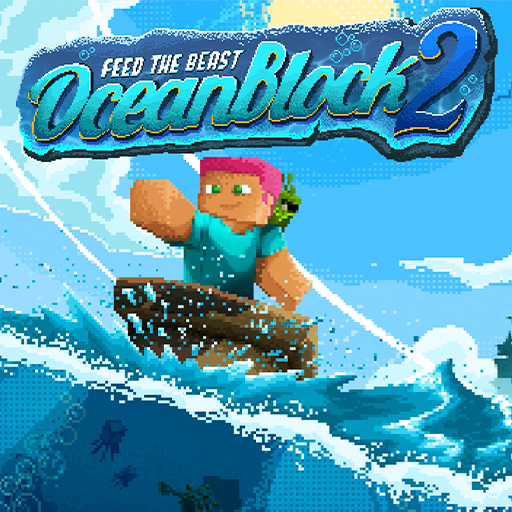
FTB OceanBlock 2 server hosting
Scavenge an ocean world, build underwater technology, and follow quests toward escape. Pick it while creating your server and the matching release installs automatically.
Installation en un clic
Serveur de 6 Go
6 $US/mois
30 GB de disque · toujours allumé
Essayer gratuitement24-hour modpack trial, no account
Créer mon serveurRelease at a glance
| Default release | 1.21.1 |
|---|---|
| Starting RAM | 6 GB · choose more for a busier world |
| Players install | The same pack release as the server. Client download details |
Supported versions
| Version | Validated |
|---|---|
| 1.21.1 Default | No successful validation recorded No test date or validated configuration available. |
Télécharger le modpack client
Chaque joueur doit installer le même modpack sur son propre ordinateur. Téléchargez-le depuis la page officielle, puis choisissez la version qui correspond à votre serveur.
Choisir votre RAM
Minimum : 6 Go de RAM
6 $US/mois30 GB de disque · toujours allumé
Questions fréquentes
What is FTB OceanBlock 2?
FTB OceanBlock 2 is a NeoForge modpack for Minecraft 1.21.1. Scavenge an ocean world, build underwater technology, and follow quests toward escape.
Modpack officiel et liste des versionsVersions du modpack et téléchargements du client
- Default: 1.21.1 — Publisher downloads (choose this release) · Créer avec cette version
- 1.21.1 · Identifiant / version :
100482— Publisher downloads (choose this release) · Créer avec cette version
Chaque version du pack inclut ses versions de Minecraft et du chargeur. Utilisez la même version du pack sur tous les clients. Les identifiants proposés sont des options d'installation ; ils ne garantissent pas le démarrage de toutes les anciennes versions.
How much RAM does FTB OceanBlock 2 need?
FTB OceanBlock 2 needs at least 6 GB of RAM. Eligible paid sizes appear in the size list.
What do my players need to join?
Players install release 1.21.1 through the FTB App, then connect using the server address.
What Minecraft version does it use?
The pinned server release uses NeoForge on Minecraft 1.21.1.
Can I switch modpacks later?
Yes. Open Server settings on the dashboard and choose Rebuild server. Switching permanently deletes every world, file, mod, configuration, and backup on that server; the rebuild costs $0 when its RAM tier stays the same, and its billing cycle and server address do not change.